



Best CVE monitoring tools in 2026
There is no best CVE monitoring tool in absolute terms. There are six serious tools, each of which has picked a job: browsing, scanning, self-hosting, keyword filtering, API querying, or alerting on a declared scope. Here is which one suits which profile, with the method, the sources and the date.
The seven criteria, and why these ones
Each criterion was chosen because it changes a team’s workload, not because it favors us.
- Stack targeting. Does the tool start from your inventory, or from a list of subscriptions you maintain? This is the criterion that determines the noise.
- KEV + EPSS prioritization. The KEV is the catalog of actively exploited vulnerabilities published by CISA; EPSS estimates the probability of exploitation within 30 days. Are they in the alert, or do you have to look them up yourself?
- End-of-life (EOL) tracking. A version that will no longer receive patches is a permanent risk that never closes.
- Channels. Email only, or Slack, Teams, webhook and API?
- Language. On a technical subject, reading in your own language reduces misreadings.
- Pricing model. Published price, quote, or free with a hidden running cost?
- Hosting. Where your inventory data lives, given that it is a map of your information system.
| Tool | Stack targeting | KEV + EPSS | EOL | Channels | Language | Pricing model | Hosting |
|---|---|---|---|---|---|---|---|
| TechWatchAlert | Real inventory (agent, connectors, SBOM) | In the alert | Yes | Email, Slack, Teams, Jira, ServiceNow, webhook, API | Seven languages | Free, then public prices | France |
| OpenCVE | Manual subscription | Data present | No | Email, Slack, Jira, webhook | EN | Self-hosted or cloud | On your premises or the vendor’s |
| Cyberwatch | Scanned inventory | Yes, with context | Not disclosed | Depends on plan | FR, EN, ES | Custom quote | France |
| CVEDetails | Manual subscription | KEV shown | No | Email, RSS, API | EN | API by paid subscription | United States |
| Vulmon Alerts | Keywords | Partial | No | Email, Slack, Teams, RSS, API | EN | Limited free tier, then paid | Not disclosed |
| CVEFeed.io | Queries (CVEQL) | Yes, enriched | No | Email, Slack, Teams, Jira, webhook | EN | Free, then paid | Not disclosed |
1. TechWatchAlert, from alert to patch
Who it’s for. SMBs, mid-sized companies and MSPs who want to know what exposes them, fix it in the right order and prove it, without a full-time security team.
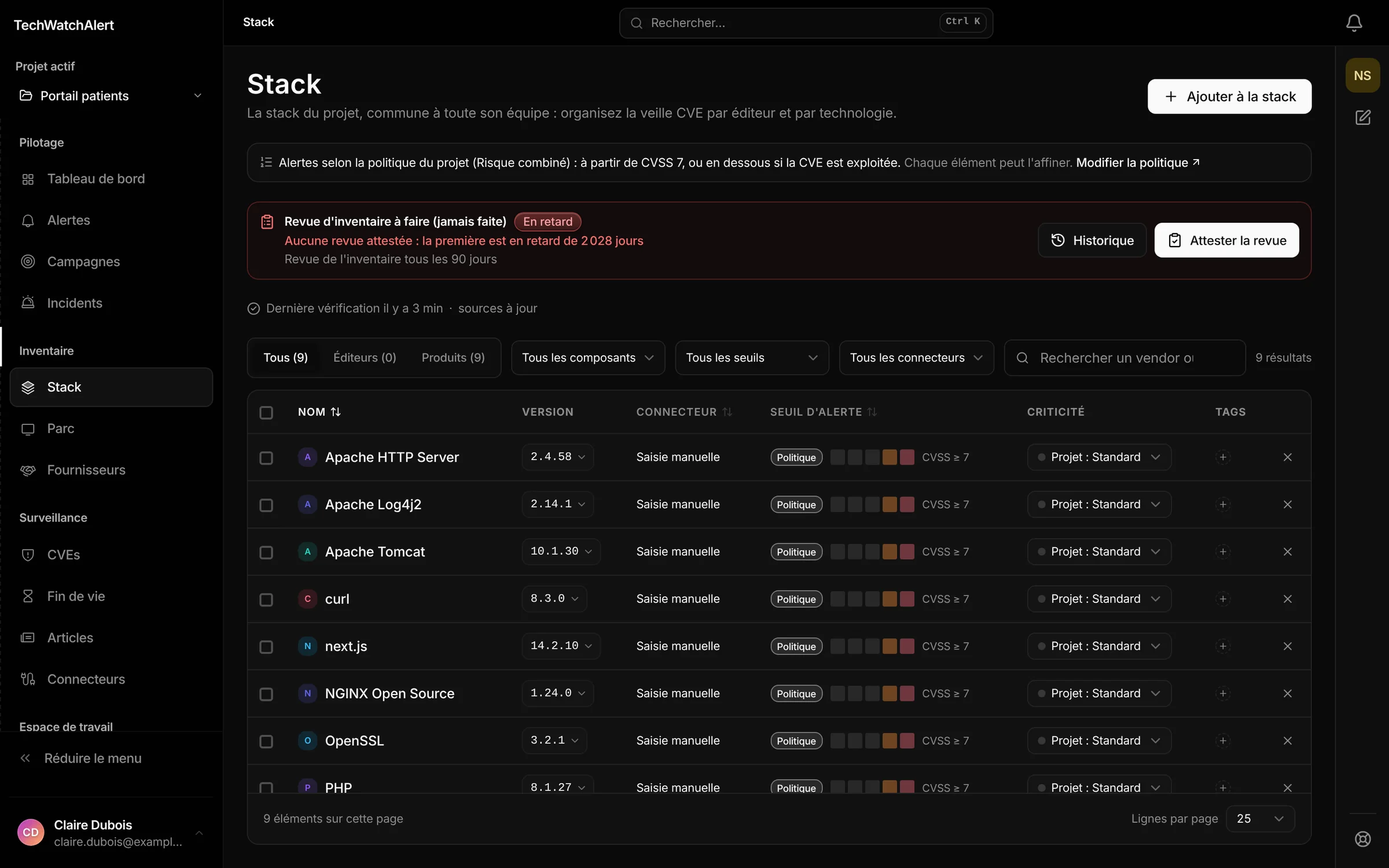
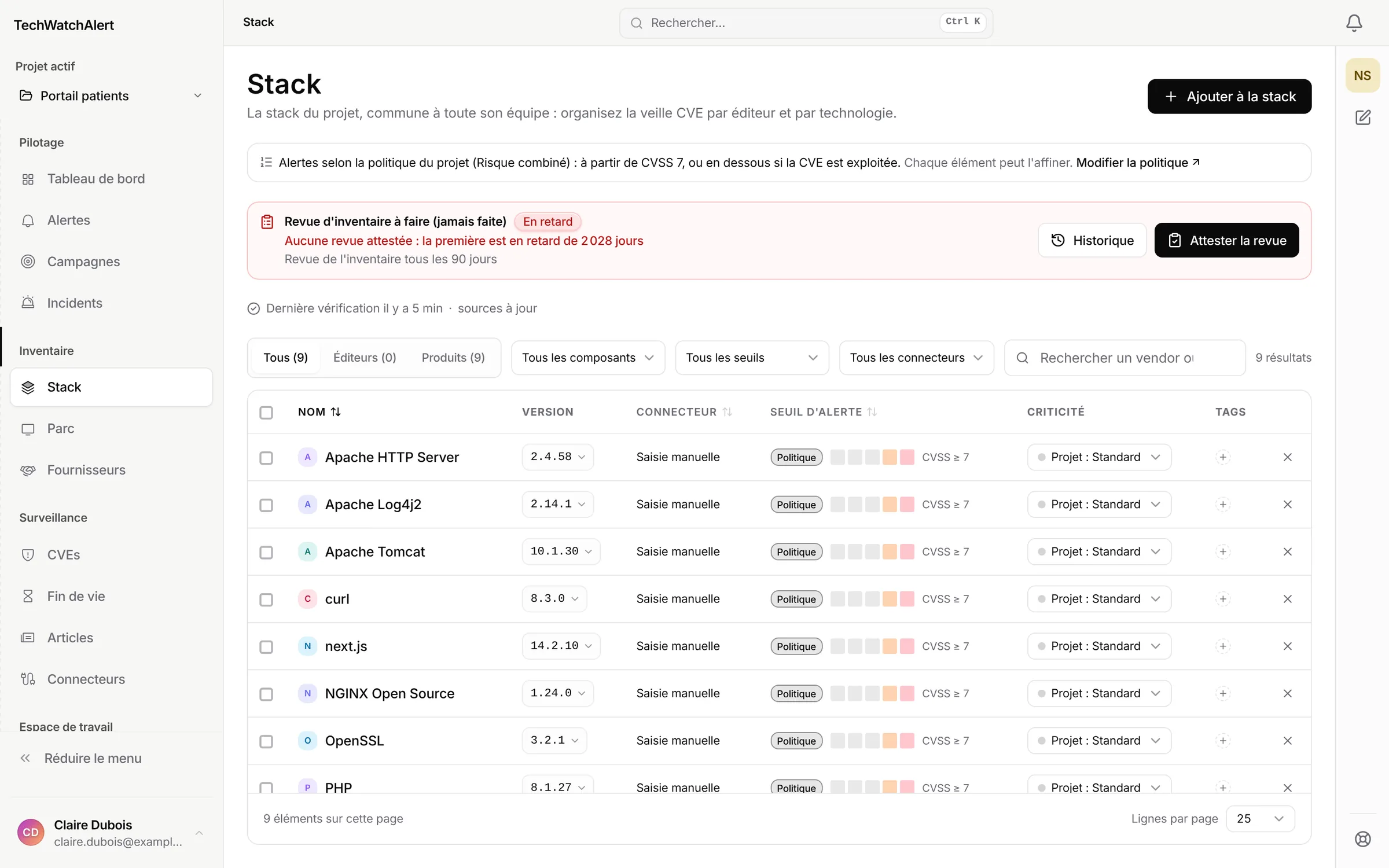
Strengths. Automatic targeting by CPE (the naming scheme that identifies a product and its version) or by SBOM import (the inventory of your components), prioritization by KEV, then EPSS, then CVSS in the alert, end-of-support tracking, handling workflows, Jira, GLPI or ServiceNow tickets whose status flows back into the case, a Windows, Linux and macOS agent, more than 50 connectors, patching in rings and NIS2 reports (Team plan), 19 sources including CERT-FR and the EUVD, seven languages, hosting in France, free plan with no card.
Limitations. It is not a network scanner: alert accuracy follows inventory accuracy, whether it comes from the agent, a connector, an SBOM or your scanner's results read through its API. The API, SSO, patch management and SIEM forwarding come with the Team plan. The availability target is 99.5% per month, written into the terms of use.
Pricing. Free plan, then public price list. The method is explained in detail in our guide to CVE monitoring.
2. OpenCVE, the code in plain sight
Who it’s for. Technical teams that want to read the code and host it themselves, or whose internal policy forbids the inventory from leaving the network.
Strengths. Proven vendor and product subscriptions, Slack, Jira and webhook alerts, rules and remediation tracking, a cloud offering with a free tier, and a complete rewrite in version 2.
Limitations. License BSL 1.1: the code is available but not open source in the strict sense, with a planned switch to Apache 2.0 in 2030 and restricted commercial use until then. English interface. No end-of-life tracking highlighted. Self-hosted, the real cost is not the license but running it.
The detailed head-to-head with OpenCVE.
3. Cyberwatch, the French enterprise suite
Who it’s for. Organizations with a large, poorly inventoried estate and compliance obligations to demonstrate.
Strengths. Asset discovery and active scanning: it is the only tool on this list that finds what nobody has inventoried. NIS2, DORA and CRA compliance, OT. French vendor, hosting in France, interface in French, English and Spanish.
Limitations. No public price, no self-service sign-up: entry goes through a demo, then a quote. Heavy if your need is limited to a few dozen machines.
The detailed head-to-head with Cyberwatch.
4. CVEDetails, the library
Who it’s for. Anyone who needs to dig into the history of a product, a vendor or a specific CVE.
Strengths. A long-standing, extensive archive, free to browse and very well indexed by search engines. Email alerts by vendor, product, version or presence in the KEV. Reusable RSS feeds. NVD-format API.
Limitations. English interface. Subscriptions must be declared and maintained by hand, with no inventory matching. API on a paid subscription. No end-of-life tracking. Hosted outside the European Union.
The detailed head-to-head with CVEDetails.
5. Vulmon Alerts, keyword-based alerts
Who it’s for. Lightweight tracking of a handful of topics, with no inventory to declare.
Strengths. Instant setup, email, Slack, Teams, RSS and API alerts, daily trend summaries.
Limitations. The free tier is limited to two subscriptions. Keyword filtering produces false positives as soon as the product name is a common word. English interface, no stack matching, no end-of-life tracking.
6. CVEFeed.io, the query and API approach
Who it’s for. Teams that already have a processing pipeline and want to plug an enriched feed into it.
Strengths. Near-real-time monitoring of the NVD, the KEV and vendor advisories, EPSS, CVSS and KEV enrichment, routing to email, Slack, Teams, Jira and webhook, a dedicated query language (CVEQL), and a free tier to get started.
Limitations. English interface, no end-of-life tracking, and the tool is only worthwhile if someone writes and maintains the queries.
The trap in all these comparisons
Practical corollary: before comparing features, estimate how many alerts each tool would actually send you for your scope. A tool that sends three relevant alerts a week beats one that sends fifty, however long its feature list.
Choosing in ten minutes
Four questions, in this order. Each one eliminates candidates.
- Do you know your inventory? If not, you need a scanner before monitoring. Cyberwatch.
- Can your inventory data leave your network? If not, self-hosted OpenCVE is the only answer on this list.
- Does your team work in French? If so, two candidates remain: Cyberwatch and TechWatchAlert, which also exists in German, Spanish, Italian, Portuguese and Dutch.
- Do you have someone to run one more tool? If not, rule out anything self-hosted and anything that requires writing queries.
Then test. The free tiers of TechWatchAlert, OpenCVE cloud, Vulmon and CVEFeed let you measure the real alert volume on your scope in a week. That tells you more than any table, including ours.
Method, date, and limitations of this ranking
Facts checked on on the vendors’ public pages, with no privileged access and no real-world testing of their products. None of the six tools was tested in production conditions on the same estate: the table rows describe advertised features, not measured performance. Spotted an error or a change in an offering? Report it through our contact page: we correct the row and re-date the page.